
Close Menu
Techripper
  • Latest
  • Tech
  • Artificial Intelligence
  • Gaming
  • Tutorial
  • Reviews
Facebook X (Twitter) Instagram
Techripper
Sunday, February 1
  • Latest
  • Tech

    Apple launches new AirTag with longer range and louder speaker

    January 27, 2026

    Verizon’s Massive Outage: Over 1.5 Million Customers Affected Before Service Restored

    January 15, 2026

    Apple introduces Apple Creator Studio, an inspiring collection of the most powerful creative apps

    January 14, 2026

    Donald Trump Launches $499 ‘Made in USA’ Phone

    January 13, 2026

    Apple Confirms iPhone Attacks With No Fix for Most Users

    January 13, 2026
  • Artificial Intelligence
  • Gaming
  • Tutorial
  • Reviews
Techripper
Home Blog Apple Releases First Updates to watchOS 26, visionOS 26 and tvOS 26
Latest

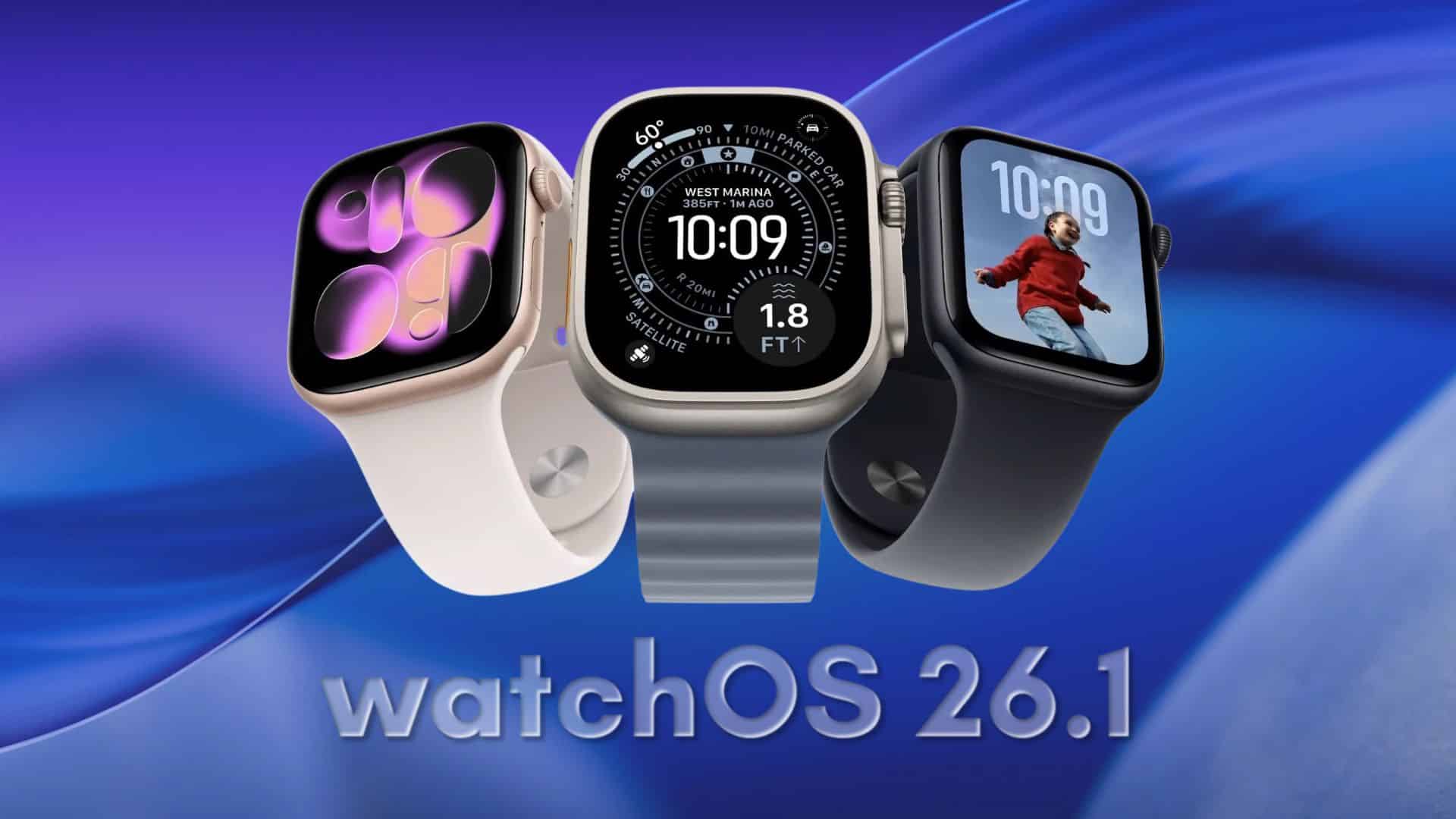
Apple Releases First Updates to watchOS 26, visionOS 26 and tvOS 26

InternBy InternDecember 17, 2025No Comments2 Mins Read
Facebook Twitter Pinterest LinkedIn Tumblr Email
Share
Facebook Twitter LinkedIn Pinterest Email

Apple has rolled out the initial maintenance updates for several of its major operating systems, including watchOS 26, visionOS 26, and tvOS 26 — all of which were originally released earlier in September. These updates are now available to users and can be installed through the Software Update section in the Settings app on each compatible device.

Contents
  • watchOS 26.0.2 — Bug Fixes and Security Enhancements
  • visionOS 26.0.1 and tvOS 26.0.1
  • How to Update
  • Why These Updates Matter

watchOS 26.0.2 — Bug Fixes and Security Enhancements

The Apple Watch software update is labeled watchOS 26.0.2 (following an earlier internal 26.0.1 release that added Messages and Find My support for the Apple Watch Ultra 3 in Mexico). This version focuses primarily on bug fixes and important security improvements to make the overall experience more stable.

visionOS 26.0.1 and tvOS 26.0.1
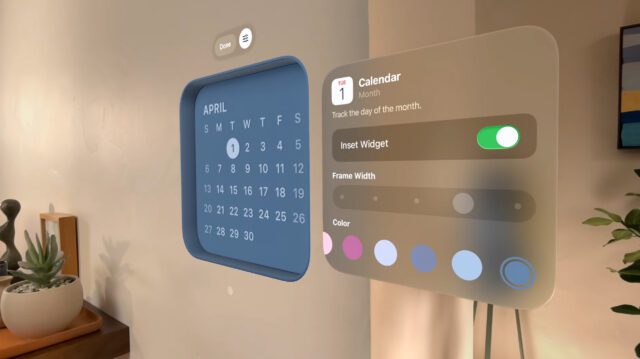
Alongside watchOS, Apple also released visionOS 26.0.1 for Vision Pro devices and tvOS 26.0.1 for Apple TV. The tvOS update addresses specific issues such as audio sync problems in certain video apps, while visionOS gets its first post-launch improvements as well.

How to Update

To install the new software, users should open the Settings app on their Apple Watch, Apple TV, or Vision Pro and navigate to Software Update. From there, updates can be downloaded and applied over-the-air when connected to the internet.

Why These Updates Matter

These early revisions don’t bring sweeping new features; instead, they aim to refine and stabilize the fresh watchOS 26 platform — which itself introduced a redesigned interface, enhanced health tools, and other enhancements earlier in the fall.

By addressing bugs and tightening security, the updates help ensure a smoother, more reliable experience on Apple devices soon after a major software launch.

Share. Facebook Twitter Pinterest LinkedIn Tumblr Email
Intern

Related Posts

Moltbot viral surge exposes AI agent security risks

January 28, 2026

Apple launches new AirTag with longer range and louder speaker

January 27, 2026

OpenAI Brings Back Three Key Researchers From Mira Murati’s Thinking Machines Lab

January 15, 2026
Facebook X (Twitter) Instagram Pinterest
  • About
  • Contact
  • Privacy Policy
  • Terms and Conditions
© 2026 Techripper | All Rights Reserved

Type above and press Enter to search. Press Esc to cancel.