
Close Menu
Techripper
  • Latest
  • Tech
  • Artificial Intelligence
  • Gaming
  • Tutorial
  • Reviews
Facebook X (Twitter) Instagram
Techripper
Saturday, March 28
  • Latest
  • Tech

    Shree Securities Board Approves Q1-Q3 FY26 Results, Signals Strong Recovery

    March 10, 2026

    The 5 Best Free VPNs for India in 2026: Safe, Fast, and Secure

    February 16, 2026

    January 2026 Recap: 7 Major Data Breaches You Missed

    February 6, 2026

    The “Fog of War” in Cybersecurity: Why Incident Response Fails When It Counts

    February 6, 2026

    Copilot AI Adoption Slips to 11.5% as Competition Heats Up for Microsoft

    February 5, 2026
  • Artificial Intelligence
  • Gaming
  • Tutorial
  • Reviews
Techripper
Home Blog Google Launches NotebookLM Apps for Android and iOS, Bringing AI-Powered Note-Taking On the Go
Tech

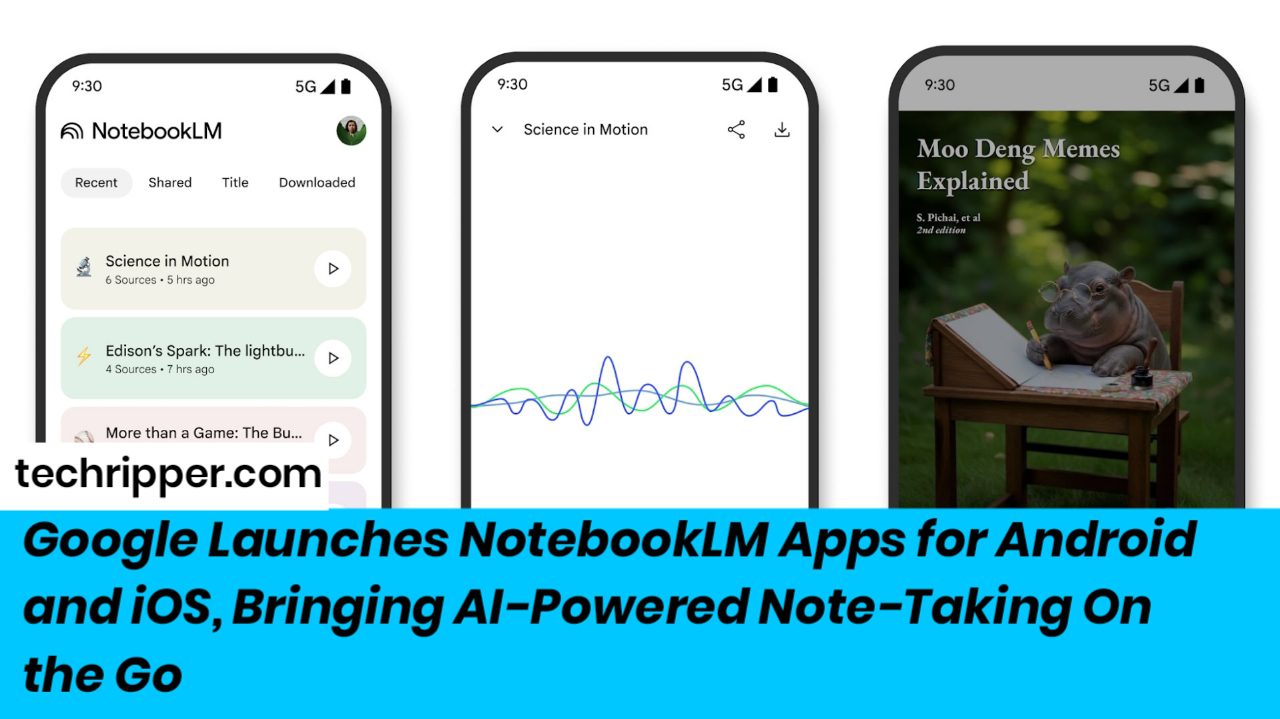
Google Launches NotebookLM Apps for Android and iOS, Bringing AI-Powered Note-Taking On the Go

InternBy InternMay 20, 2025Updated:May 21, 2025No Comments2 Mins Read
Facebook Twitter Pinterest LinkedIn Tumblr Email
Share
Facebook Twitter LinkedIn Pinterest Email

Just ahead of its big Google I/O 2025 event, Google quietly dropped a major update: NotebookLM is now officially available on Android and iOS. If you’ve been wishing for a smarter, AI-powered way to take notes on the go — your wish just came true.

Contents
  • From Desktop to Your Pocket
  • Learn on the Go with Audio Overviews
  • Smart, Flexible, and So Easy to Use
  • More to Come at Google I/O?

From Desktop to Your Pocket

Since launching in 2023, NotebookLM has mostly been a desktop thing. It’s that research-savvy AI assistant built to help you break down dense information, summarize it neatly, and even let you ask questions directly about your documents.
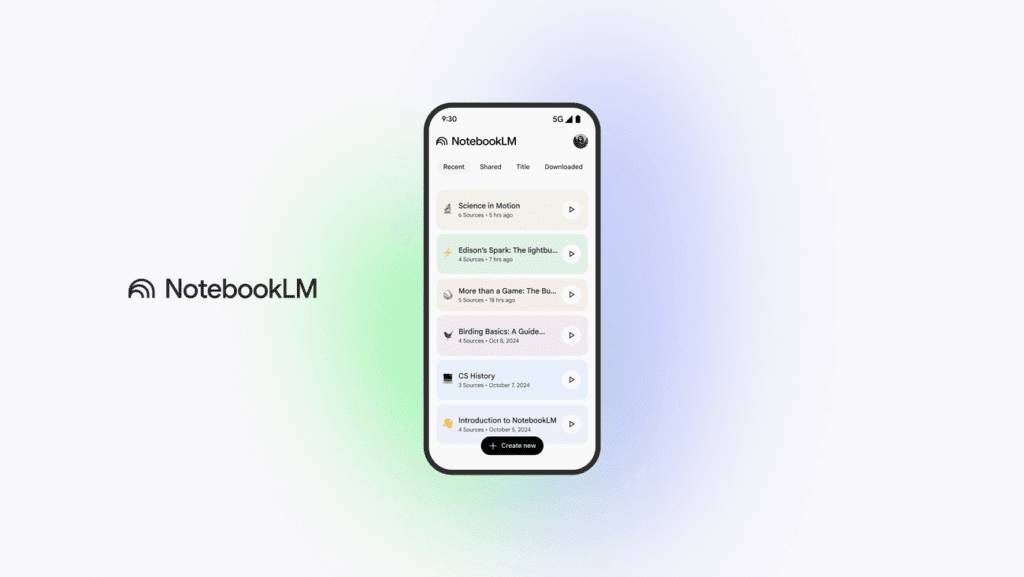
Now, all of that power fits in your pocket.

Learn on the Go with Audio Overviews

One of the coolest mobile features? Audio Overviews. Imagine your notes turned into mini podcasts — created by AI, based on the stuff you upload. Whether you’re commuting, cooking, or walking the dog, you can listen in the background (even offline). It’s like having a personal study buddy that reads your stuff back to you.

Smart, Flexible, and So Easy to Use

With the app, you can:

  • Create new notebooks or revisit old ones.
  • Tap “Share” on a webpage, PDF, or YouTube video and instantly add it to NotebookLM as a new source.
  • Access and organize all your sources in one place.
  • Use it in light or dark mode, depending on your device settings (and your vibe).

It’s all about making research and note-taking feel less like a chore, and more like a thoughtful conversation with your own personal assistant.

More to Come at Google I/O?

Launching the app a day before Google I/O 2025 can’t be a coincidence. Expect Google to dive deeper into NotebookLM’s future during the keynote — and maybe even unveil more features we haven’t seen yet.

So if you haven’t downloaded it yet, now’s a good time. Whether you’re a student, a researcher, or just someone who likes to keep their thoughts organized, NotebookLM just became your new favorite tool.

Also Read : Y Combinator Startup Firecrawl Is Offering $1 Million to Hire Three AI Agents as Employees

AI Innovation AI Note-Taking AI Productivity AI technology AI-Powered Apps Android Apps Digital Notes Google AI Tools Google Apps Google Launch Google NotebookLM iOS Apps Mobile Note-Taking Mobile Productivity Note Organization Note-Taking Apps NotebookLM App productivity tools Tech News 2025
Share. Facebook Twitter Pinterest LinkedIn Tumblr Email
Intern

Related Posts

Shree Securities Board Approves Q1-Q3 FY26 Results, Signals Strong Recovery

March 10, 2026

The 5 Best Free VPNs for India in 2026: Safe, Fast, and Secure

February 16, 2026

January 2026 Recap: 7 Major Data Breaches You Missed

February 6, 2026
Facebook X (Twitter) Instagram Pinterest
  • About
  • Contact
  • Privacy Policy
  • Terms and Conditions
  • Cookie Policy
  • Disclaimer
  • Sitemaps
© 2026 Techripper | All Rights Reserved

Type above and press Enter to search. Press Esc to cancel.