
Close Menu
Techripper
  • Latest
  • Tech
  • Artificial Intelligence
  • Gaming
  • Tutorial
  • Reviews
Facebook X (Twitter) Instagram
Techripper
Sunday, February 1
  • Latest
  • Tech

    Apple launches new AirTag with longer range and louder speaker

    January 27, 2026

    Verizon’s Massive Outage: Over 1.5 Million Customers Affected Before Service Restored

    January 15, 2026

    Apple introduces Apple Creator Studio, an inspiring collection of the most powerful creative apps

    January 14, 2026

    Donald Trump Launches $499 ‘Made in USA’ Phone

    January 13, 2026

    Apple Confirms iPhone Attacks With No Fix for Most Users

    January 13, 2026
  • Artificial Intelligence
  • Gaming
  • Tutorial
  • Reviews
Techripper
Home Blog Google Photos just got a big makeover and it’s packed with cool new AI tricks
Tech

Google Photos just got a big makeover and it’s packed with cool new AI tricks

InternBy InternMay 29, 2025Updated:May 29, 2025No Comments2 Mins Read
Facebook Twitter Pinterest LinkedIn Tumblr Email
Share
Facebook Twitter LinkedIn Pinterest Email

Google Photos is turning 10 this year, and to celebrate, they’ve given their photo editor a fresh new look plus some smart AI-powered features that were only on Pixel phones before, but now anyone can use them.

One of the coolest is called Reimagine. Imagine snapping a photo with a dull, cloudy sky, and then telling Google Photos to swap it out for a bright, clear blue sky — just by typing it in. That’s the power of generative AI working behind the scenes to change objects and backgrounds exactly how you want.

Then there’s Auto Frame, which is like having a mini photo expert suggesting better ways to crop or frame your shots. It can even use AI to fill in empty spaces if you want a wider frame, making your pictures look even better.
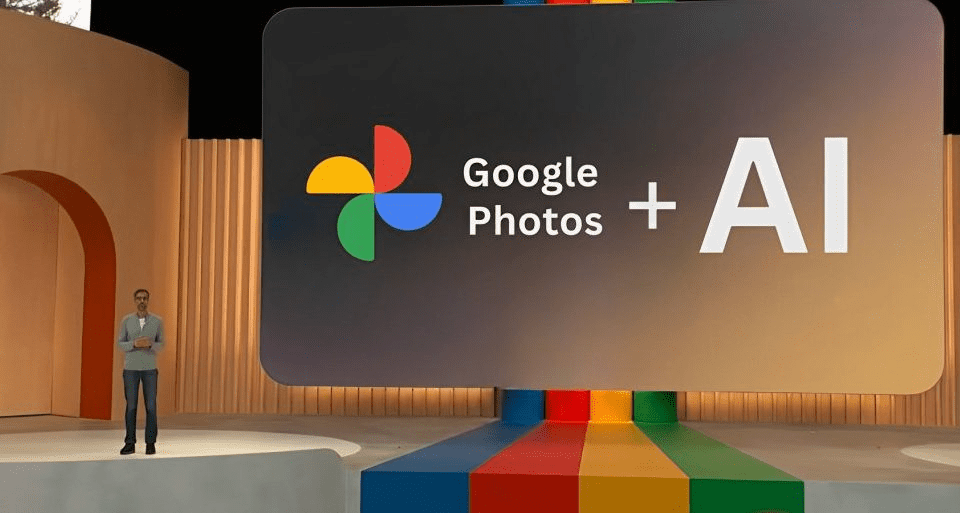
Google’s also made it super simple to find and use all the editing tools in one place. You can try the new AI Enhance feature that bundles smart effects —like sharpening your photo and removing unwanted objects into one quick fix.

Plus, if you tap on a specific part of your photo, Google Photos will suggest edits for that area, like tweaking the lighting or adding a background blur. It’s like having a personal photo assistant right in your pocket.

The update will start rolling out worldwide on Android devices next month, and iPhone users won’t have to wait too long it’s coming later this year.

And here’s a fun new thing: now you can share albums using QR codes! Perfect for events or gatherings just print out the code, and anyone nearby can scan it to view or add photos. Makes sharing memories with friends and family easier than ever.

Also Read : Rivr’s “Dog on Roller Skates” Robots Team Up with Veho to Crack the Last 100 Yards of Delivery in Austin Clone

AIEditingTools AIEnhance AIPhotoEditing AIPhotoFeatures AskPhotos AutoFrame GeminiAI GooglePhotosAI GooglePhotosTips GooglePhotosUpdate MagicEditor MagicEraser PhotoEditingApp PhotoEnhancement PhotoOrganization PhotoUnblur PortraitLight ReimagineFeature SmartPhotoEditing VoiceSearch
Share. Facebook Twitter Pinterest LinkedIn Tumblr Email
Intern

Related Posts

Apple launches new AirTag with longer range and louder speaker

January 27, 2026

Verizon’s Massive Outage: Over 1.5 Million Customers Affected Before Service Restored

January 15, 2026

Apple introduces Apple Creator Studio, an inspiring collection of the most powerful creative apps

January 14, 2026
Facebook X (Twitter) Instagram Pinterest
  • About
  • Contact
  • Privacy Policy
  • Terms and Conditions
© 2026 Techripper | All Rights Reserved

Type above and press Enter to search. Press Esc to cancel.